Your meetings,
actually useful.
Record any audio on your Mac, transcribe it with Whisper, and get summaries and action items from GPT-4o. All private, all local.
Record any audio on your Mac, transcribe it with Whisper, and get summaries and action items from GPT-4o. All private, all local.
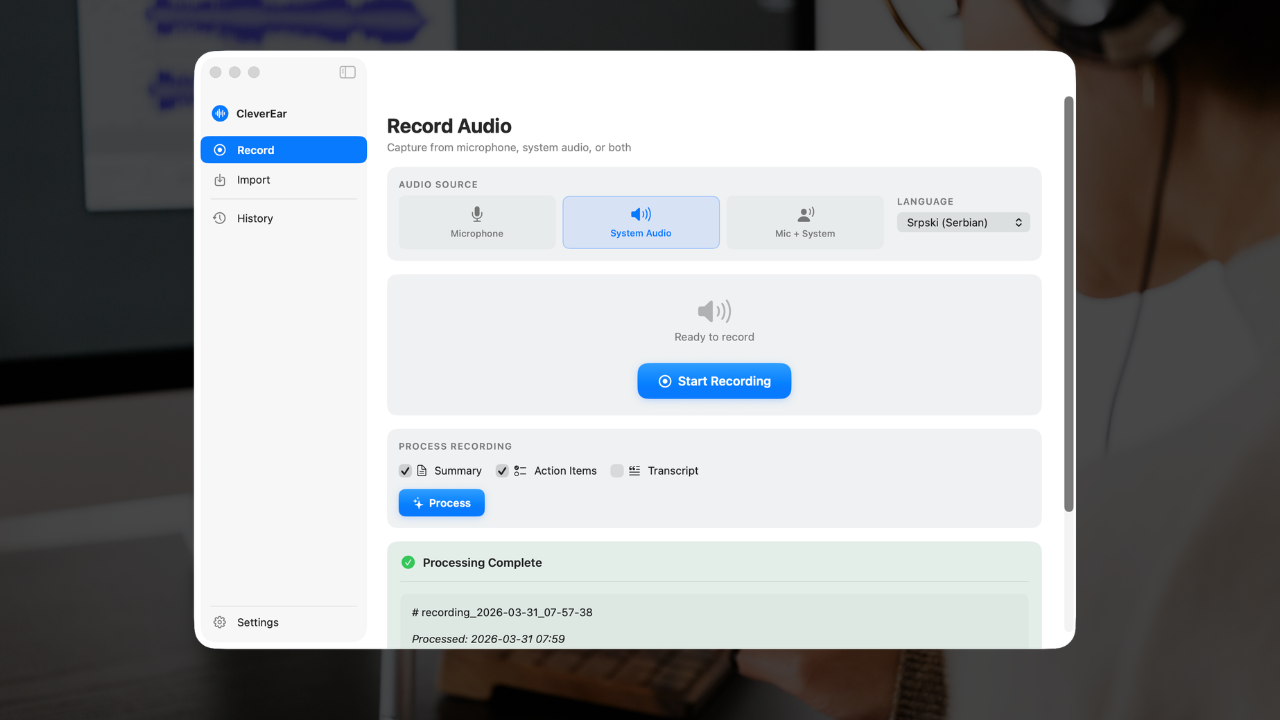
Mic, system audio, or both at once
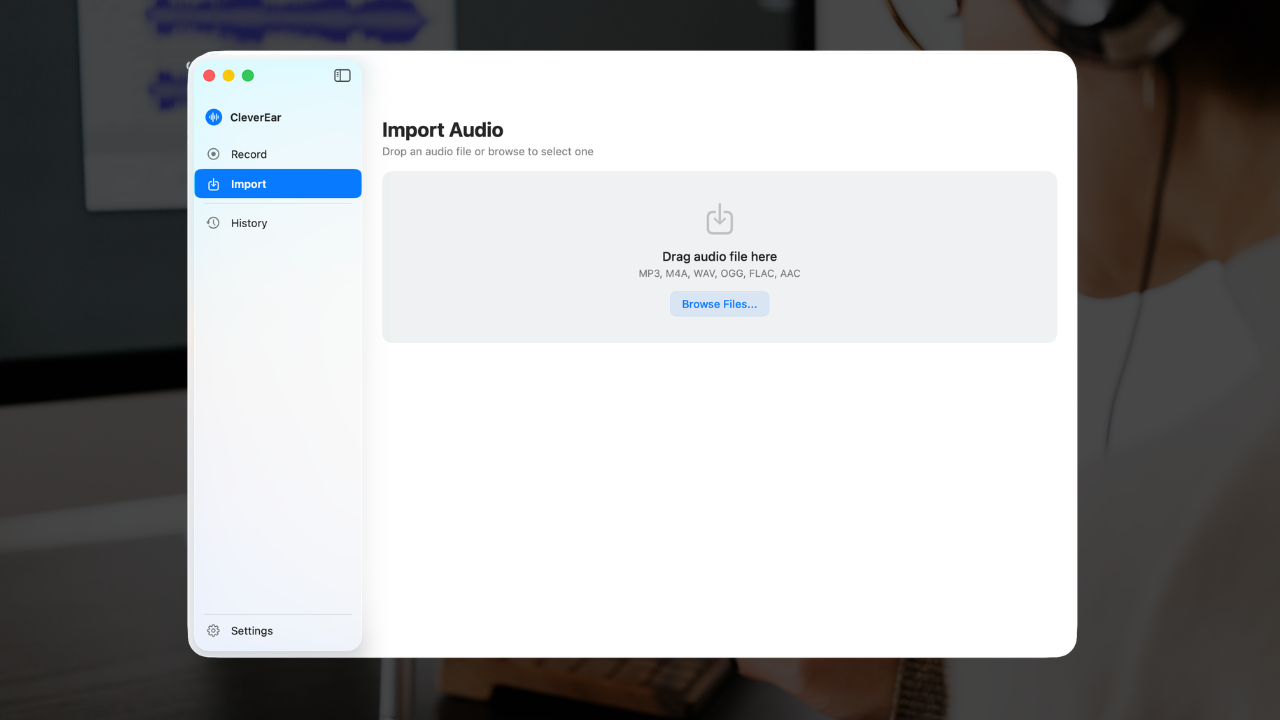
Drag and drop any audio file
Features
Built for one thing: turning audio into actionable text. No bloat, no subscriptions, no cloud.
Capture your microphone, system audio from any app, or both channels simultaneously. Perfect for meetings, lectures, and interviews.
Industry-leading speech-to-text powered by OpenAI Whisper. Handles accents, technical jargon, and noisy environments with ease.
GPT-4o distills your transcript into structured, topic-by-topic summaries that capture every key point discussed.
Automatically extracts tasks, decisions, and follow-ups with responsible parties. Never miss a to-do again.
Already have a recording? Drag and drop audio files directly. Supports M4A, WAV, MP3, and more.
Transcribe and summarize in English, Serbian, German, Japanese, and over 20 more languages natively.
How It Works
From audio to actionable notes in minutes.
Hit record to capture live audio, or drop an existing file into the app. Choose your language.
Select any combination of transcript, summary, and action items. Only process what matters to you.
Get clean Markdown output instantly. Copy to clipboard, export to file, or find it in your history.
Privacy First
CleverEar has no servers, no accounts, and no analytics. Audio is sent directly to OpenAI for processing — we never see or touch your data.
Languages
Transcribe and summarize in any of these languages, with more on the way.
Download CleverEar and turn every meeting, lecture, and conversation into clear, actionable notes.
Download for Mac